



The test that seems easy (but isn't)
The Digital Skills test is often the one candidates underestimate. "I know how to use a computer," they think. But the test doesn't measure whether you can open a spreadsheet: it measures whether you can evaluate a source, recognize a security risk, and choose the right tool within an administration that is digitizing. It is about judgment, not practice.
And it accounts for approximately 25% of the final score (about 30% in the preliminary score) — a weight similar to that of EU Knowledge. It is not a secondary component.
This guide explains the test format, the official framework it is based on (DigComp), and how to prepare in a targeted way.
Actual test format
| Feature | Detail |
|---|---|
| Number of questions | 40 |
| Time | 30 minutes (~45 seconds per question) |
| Language | Language 2 (a second official EU language, B2 level) |
| Passing score | 20/40 |
| Role in scoring | Ranked — weighs ~25% of the final score |
A note on transparency: the numerical specifications (40 questions, 30 minutes) are not published on the official EPSO page, which only provides a mock test. However, they are consistent across reliable preparation sources. Always check the official notice of your competition (EPSO/AD/427/26) for the exact parameters.
The official framework: DigComp
The test is based on DigComp, the European Digital Competence Framework for citizens, published by the European Commission's Joint Research Centre (JRC). The Notice of Competition does not name an edition in its body; its footnote cites the 2022 publication, which is DigComp 2.2. A newer edition, DigComp 3.0, came out in November 2025, but EPSO has announced nothing about adopting it. Either way the document is free and public — and it is, in effect, the study program for the test.
The two editions share the same structure, so what follows holds for both: five areas, twenty-one competences, the same 1.1–5.4 numbering. The names below follow the 3.0 wording; 2.2 calls the same five areas Information and data literacy, Communication and collaboration, Digital content creation, Safety, and Problem solving.
DigComp organizes digital competences into 5 areas, 21 competences, and 4 proficiency levels (Basic, Intermediate, Advanced, Highly advanced).
The 5 areas and the 21 competences
1. Information search, evaluation and management
Searching, evaluating and managing information.
- 1.1 Browsing, searching and filtering information
- 1.2 Evaluating information
- 1.3 Managing information
Typical topics: algorithmic personalization, deepfakes, mis/disinformation, credibility of sources, data visualization integrity.
2. Communication and collaboration
Interacting, sharing and collaborating using digital technologies.
- 2.1 Interacting through and with digital technologies
- 2.2 Sharing through digital technologies
- 2.3 Engaging in citizenship through digital technologies
- 2.4 Collaborating through digital technologies
- 2.5 Digital behaviour
- 2.6 Managing digital identity
Typical topics: choosing the appropriate channel, digital behaviour, professional online conduct, digital identity management.
3. Content creation
Developing, adapting and protecting digital content.
- 3.1 Developing digital content
- 3.2 Integrating and re-elaborating digital content
- 3.3 Copyright and licences
- 3.4 Computational thinking and programming
Typical topics: file formats and interoperability, copyright and licenses, spreadsheet logic, basic awareness of automation. (Competence 3.4 is tested at a conceptual level, not as code writing.)
4. Safety, wellbeing and responsible use
Protecting devices and personal data, supporting wellbeing, and understanding the environmental impact of technology.
- 4.1 Protecting devices
- 4.2 Protecting personal data and privacy
- 4.3 Supporting wellbeing
- 4.4 Environmental impacts of digital technologies
Typical topics: HTTPS/TLS basics, phishing indicators, metadata exposure, privacy settings, two-factor authentication.
5. Problem identification and solving
Identifying and solving technical problems and finding creative digital solutions.
- 5.1 Identifying and solving technical problems
- 5.2 Identifying needs and digital technological responses
- 5.3 Identifying creative solutions using digital technologies
- 5.4 Identifying and addressing digital competence needs
Typical topics: troubleshooting logic, distinction between DNS vs HTTP, cloud storage vs SaaS, identifying technological responses.
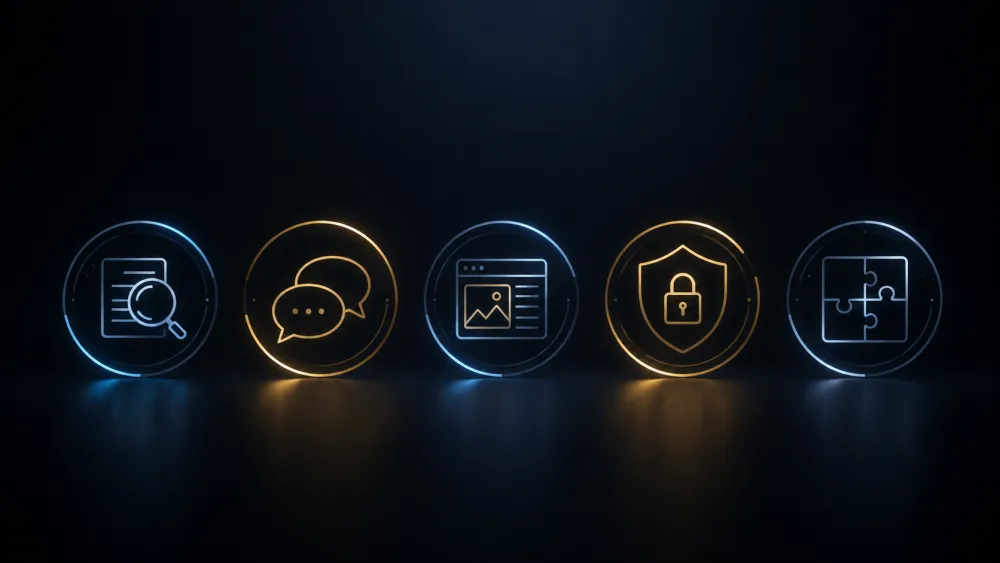 The test covers the five areas of DigComp: information search and evaluation, communication and collaboration, content creation, safety and wellbeing, problem identification and solving.
It is not a technical test
It is worth repeating: you do not need to know how to program. The test measures digital judgement, not technical skill. It is about understanding how a system works, assessing its risks, and choosing the safest and most appropriate response within an institutional context.
Even where the framework includes "Programming" (competence 3.4), the test approaches it at a conceptual level — awareness of automation — rather than asking you to write code. Think like an official who uses digital tools responsibly, not like a developer.
 It is not a technical test: it measures digital judgment. Often the correct answer is the safest and most appropriate one.
How to prepare
- Use DigComp as your syllabus. The official document is the source: it covers all the areas the test may touch upon.
- Master key conceptual distinctions. DNS vs HTTP vs TLS, disinformation vs misinformation, cloud storage vs SaaS. These are the types of distinctions the test loves.
- Apply official judgment. When an option prioritizes security and institutional appropriateness, it is often the correct one.
- Timed practice. At ~45 seconds per question, you must learn to quickly eliminate plausible distractors. Speed is a skill that can be trained.
- The EU self-assessment tool ("Test your digital skills") exists and is free, but it is based on the older DigComp 2.0: use it for guidance, not as a faithful simulation of the EPSO test.
You can find practice questions aligned with DigComp, including explanations, in the EU·Now practice section. And for the full overview of the AD5 selection, read the complete guide to the EPSO 2026 competition.
In summary
The Digital Skills test rewards targeted preparation:
- It consists of 40 questions in 30 minutes, in Language 2, and accounts for ~25% of the final score.
- It is based on DigComp: 5 areas, 21 competencies — the framework is your syllabus.
- It measures digital judgment, not programming: security, source evaluation, and the appropriate use of tools.
It may seem like the easiest test. Treat it as one of the most important.
Get the free EPSO AD reasoning mock test
A realistic practice PDF — verbal, numerical and abstract reasoning. Enter your email and we send it right away.
Free. No spam. Unsubscribe anytime.