



Turn the sound on for the voice-over. · Try lessons 0 and 1 free →
Video course · Course in English
Digital skills, explained
Pass the EPSO digital skills test understanding it, not memorising it
The test asks about five areas of the EU digital competence framework, DigComp. In about 90 minutes you learn what each one covers and how it works in the tools you already use, and you practise with questions that explain every answer, right or wrong.
- 8
- lessons
- 15
- min of video
- 22
- questions with explained answers
- 26
- glossary terms
- 22
- page review guide
€29 VAT included
- Access with the email you pay with, as long as the course is online
- 8 lessons, 8 short videos with subtitles and a printable review guide
- Works on computer and phone
Try lessons 0 and 1 free · No account needed.
Already bought it? Open the course · Log in with the email you paid with.
Access starts as soon as you pay. By buying you ask for it to start straight away and you accept that you lose the 14-day right of withdrawal.
Why this course
- Understand, don’t memoriseEach lesson explains how things work first, so you can answer questions you have never seen.
- Questions that teach22 questions in the style of the test. Every option, right or wrong, comes with its reason.
- Short, and to the pointEight lessons of about ten minutes, each opened by a two-minute video. About 90 minutes in all.
- Only from official textsDigComp 2.2 and 3.0 and the notice of competition. Checked by an independent reviewer.
What you will understand
- How the EPSO digital skills test is built and scored
- How search engines order results, how to judge a source and where data is stored
- How to share, collaborate and manage your digital identity
- What copyright and licences allow, and what a program is
- How devices, personal data, health and the environment are protected
- How to find the cause of a technical problem and choose the right tool
- What DigComp 3.0 adds: AI, new online risks and well-being
The lessons
 ▶ 1:51
0Digital competence and the EPSO testfree
What DigComp is, the five areas it describes and how the EPSO digital skills test uses them.
What DigComp is · How the EPSO test uses it · Before you start: what do you already know?
 ▶ 2:07
1Information and data literacyfree
How search engines decide what you see, how to tell whether a source can be trusted, and where data is stored.
1.1 Searching: why you see what you see · 1.2 Evaluating: can you trust it? · 1.3 Managing: where your data lives
 ▶ 2:04
2Communication and collaboration
How to share with the right people, work on documents together, behave online and manage your digital identity.
2.2 Sharing: who sees what · 2.4 Collaborating: working on the same thing · 2.5 Netiquette: the rules nobody writes down · 2.6 Digital identity: what you leave behind
 ▶ 2:00
3Digital content creation
How content is made and edited, what copyright and licences allow, and what programming means.
3.1 Creating content everyone can use · 3.3 Copyright and licences: who may use what · 3.4 Programming: what a program is
 ▶ 1:51
4Safety
What each security measure protects: devices, personal data, health and the environment.
4.1 Protecting devices: what each measure does · 4.2 Protecting personal data · 4.3 Protecting health and well-being · 4.4 Protecting the environment · Which of the four is it?
 ▶ 1:53
5Problem solving
How to find the cause of a technical problem and pick the tool that meets a need.
5.1 Technical problems: start with the simple causes · 5.2 Matching a need to a tool · 5.4 Where a difficulty comes from
 ▶ 2:10
6What DigComp 3.0 changes
What the 2025 update adds: artificial intelligence, new online risks and well-being.
What stays and what changes · AI in the framework · New words to know
 ▶ 1:32
7How the questions work
How the 40 questions are worded and how to use the 30 minutes.
The clock: 45 seconds a question · Reading a NOT question · What your score does · Try it at speed
What it looks like
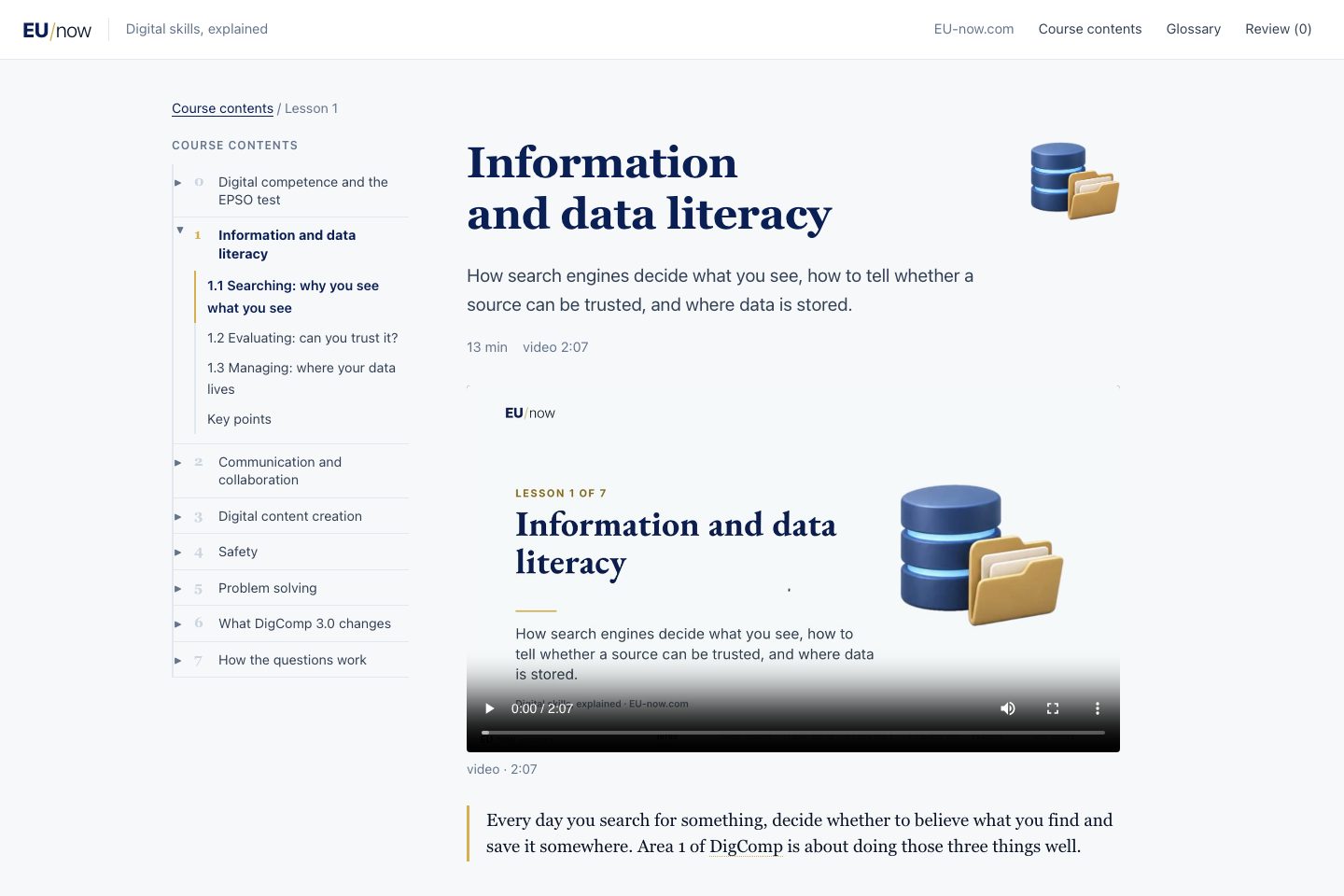 Each lesson starts with a short video
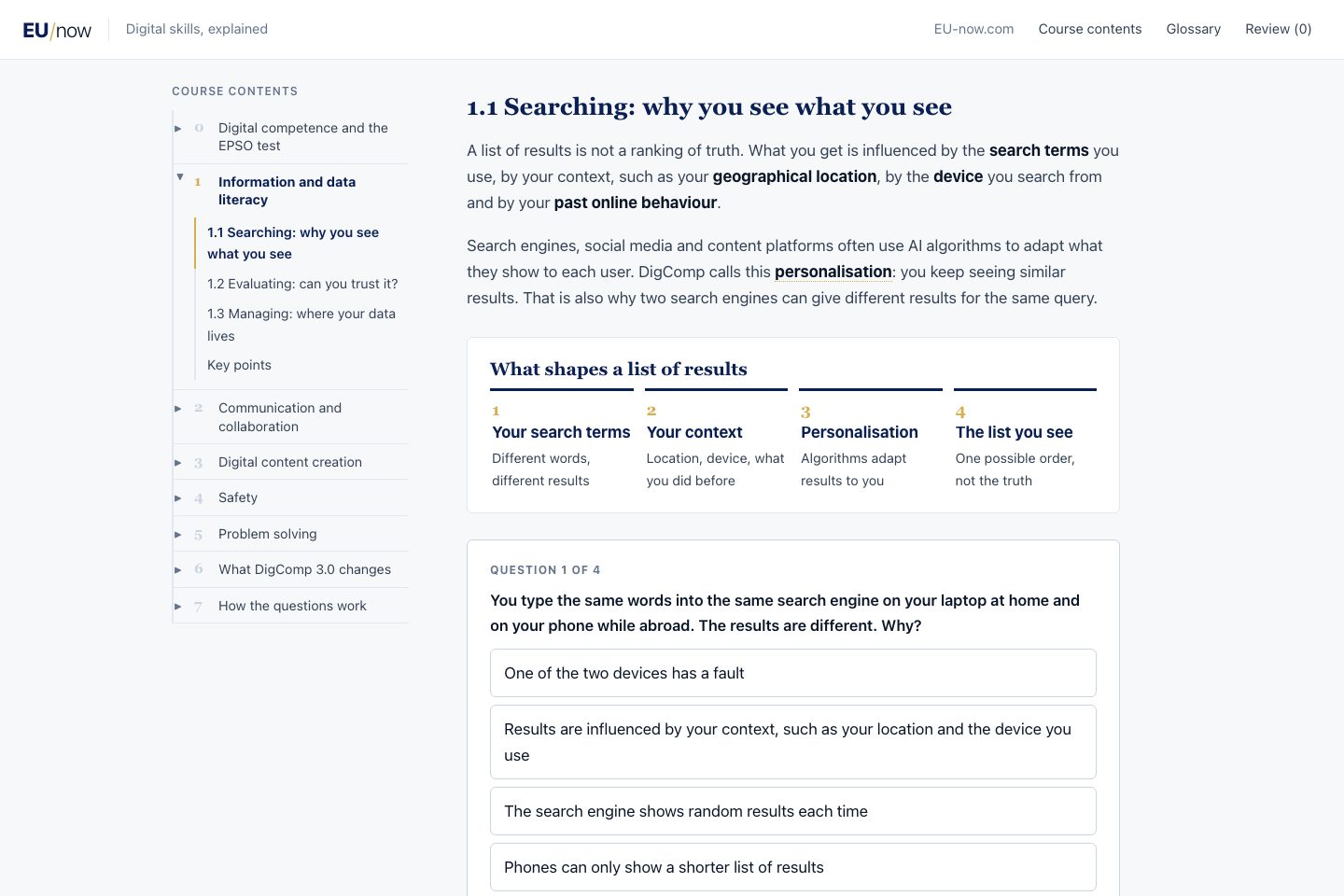 Then the lesson, by the pieces of its area
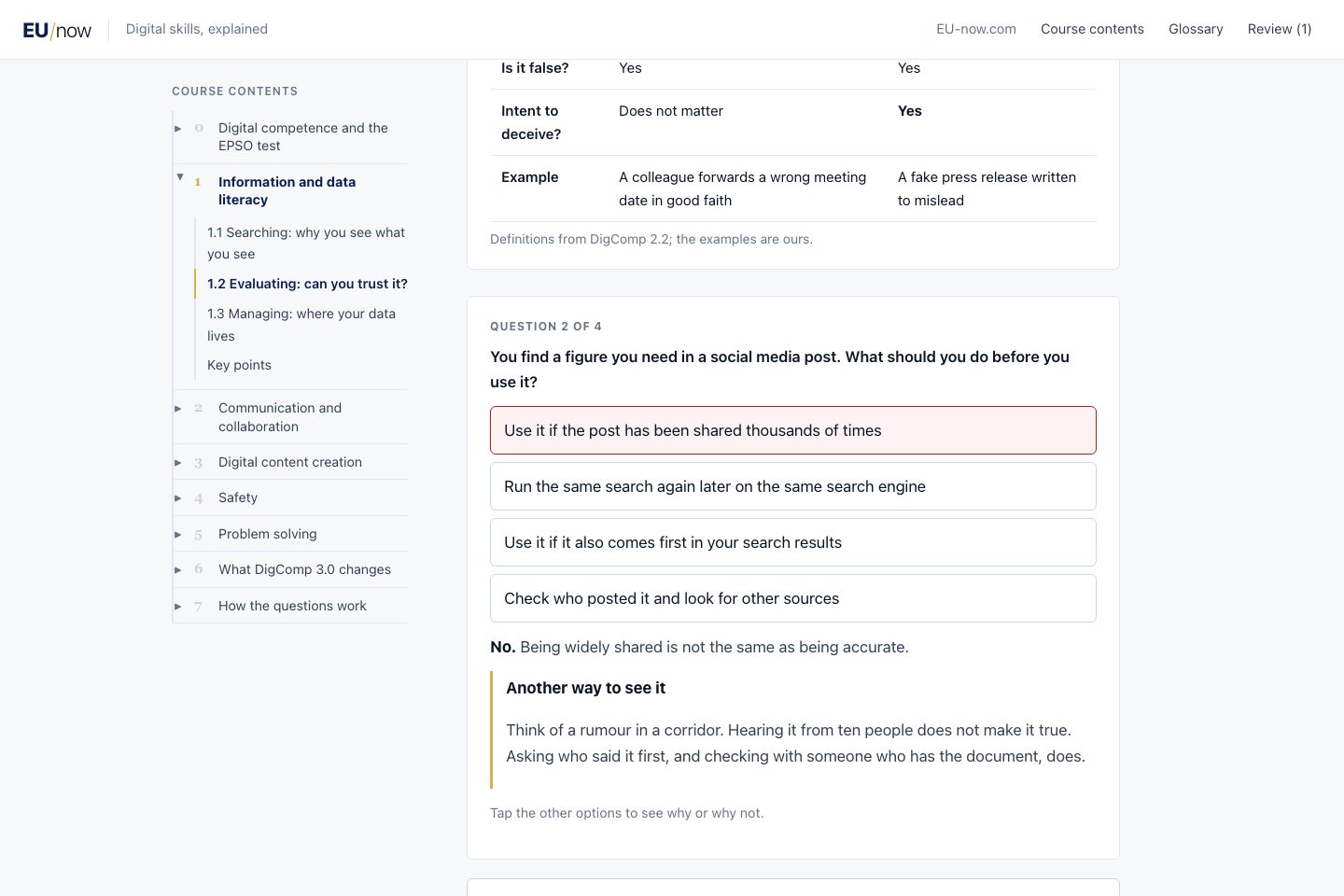 A question after each piece, with the reason for every option
Who it is for
Anyone preparing an EPSO competition with a digital skills test, such as EPSO/AD/427/26 – Administrators (AD 5). You use a computer every day, but you have never studied the ideas and the vocabulary the test is built on.
How it was made
From the official texts only: the EU digital competence framework DigComp 2.2 and 3.0 (European Commission, Joint Research Centre) and the notice of competition. Every fact was checked by an independent reviewer against those texts. Photos are real and credited.
Questions
How do I get in after paying?
Log in at eu-now.com with the same email you used to pay: we send you a link, no password. The course appears straight away. You also get an email with the link.
I paid with a different email from my EU-now account.
Log in with the email you paid with, or write to support@eu-now.com and we move the access to your account.
Which language is it in?
English: the lessons, the videos (with subtitles) and the review guide.
Does it replace reading my notice of competition?
No. The notice is the only text that binds: the course explains the framework it refers to and how the test is built.
Can I try it first?
Yes. Lessons 0 and 1 are free, with their videos, and you can open them without an account.
Digital skills, explained
8 lessons · 15 min of video · Course in English