



Attiva l’audio per sentire la voce. · Prova gratis le lezioni 0 e 1 →
Corso video · Corso in inglese
Digital skills, explained
Pass the EPSO digital skills test understanding it, not memorising it
The test asks about five areas of the EU digital competence framework, DigComp. In about 90 minutes you learn what each one covers and how it works in the tools you already use, and you practise with questions that explain every answer, right or wrong.
- 8
- lezioni
- 15
- min di video
- 22
- domande con la risposta spiegata
- 26
- termini di glossario
- 22
- pagine di guida di ripasso
29 € IVA inclusa
- Accesso con l’e-mail con cui paghi, finché il corso è online
- 8 lezioni, 8 brevi video sottotitolati e una guida di ripasso da stampare
- Su computer e su cellulare
Prova gratis le lezioni 0 e 1 · Senza account.
Già acquistato? Apri il corso · Accedi con l’e-mail con cui hai pagato.
L’accesso inizia appena paghi. Acquistando chiedi che inizi subito e accetti di perdere il diritto di recesso di 14 giorni.
Perché questo corso
- Capire, non memorizzareOgni lezione spiega prima come funzionano le cose, così rispondi anche a domande mai viste.
- Domande che insegnano22 domande nello stile della prova. Ogni opzione, giusta o sbagliata, ha il suo perché.
- Breve e miratoOtto lezioni di una decina di minuti, ognuna aperta da un video di due. Circa 90 minuti in tutto.
- Solo testi ufficialiDigComp 2.2 e 3.0 e il bando. Verificato da un revisore indipendente.
Cosa capirai
- How the EPSO digital skills test is built and scored
- How search engines order results, how to judge a source and where data is stored
- How to share, collaborate and manage your digital identity
- What copyright and licences allow, and what a program is
- How devices, personal data, health and the environment are protected
- How to find the cause of a technical problem and choose the right tool
- What DigComp 3.0 adds: AI, new online risks and well-being
Le lezioni
 ▶ 1:51
0Digital competence and the EPSO testgratis
What DigComp is, the five areas it describes and how the EPSO digital skills test uses them.
What DigComp is · How the EPSO test uses it · Before you start: what do you already know?
 ▶ 2:07
1Information and data literacygratis
How search engines decide what you see, how to tell whether a source can be trusted, and where data is stored.
1.1 Searching: why you see what you see · 1.2 Evaluating: can you trust it? · 1.3 Managing: where your data lives
 ▶ 2:04
2Communication and collaboration
How to share with the right people, work on documents together, behave online and manage your digital identity.
2.2 Sharing: who sees what · 2.4 Collaborating: working on the same thing · 2.5 Netiquette: the rules nobody writes down · 2.6 Digital identity: what you leave behind
 ▶ 2:00
3Digital content creation
How content is made and edited, what copyright and licences allow, and what programming means.
3.1 Creating content everyone can use · 3.3 Copyright and licences: who may use what · 3.4 Programming: what a program is
 ▶ 1:51
4Safety
What each security measure protects: devices, personal data, health and the environment.
4.1 Protecting devices: what each measure does · 4.2 Protecting personal data · 4.3 Protecting health and well-being · 4.4 Protecting the environment · Which of the four is it?
 ▶ 1:53
5Problem solving
How to find the cause of a technical problem and pick the tool that meets a need.
5.1 Technical problems: start with the simple causes · 5.2 Matching a need to a tool · 5.4 Where a difficulty comes from
 ▶ 2:10
6What DigComp 3.0 changes
What the 2025 update adds: artificial intelligence, new online risks and well-being.
What stays and what changes · AI in the framework · New words to know
 ▶ 1:32
7How the questions work
How the 40 questions are worded and how to use the 30 minutes.
The clock: 45 seconds a question · Reading a NOT question · What your score does · Try it at speed
Com’è dentro
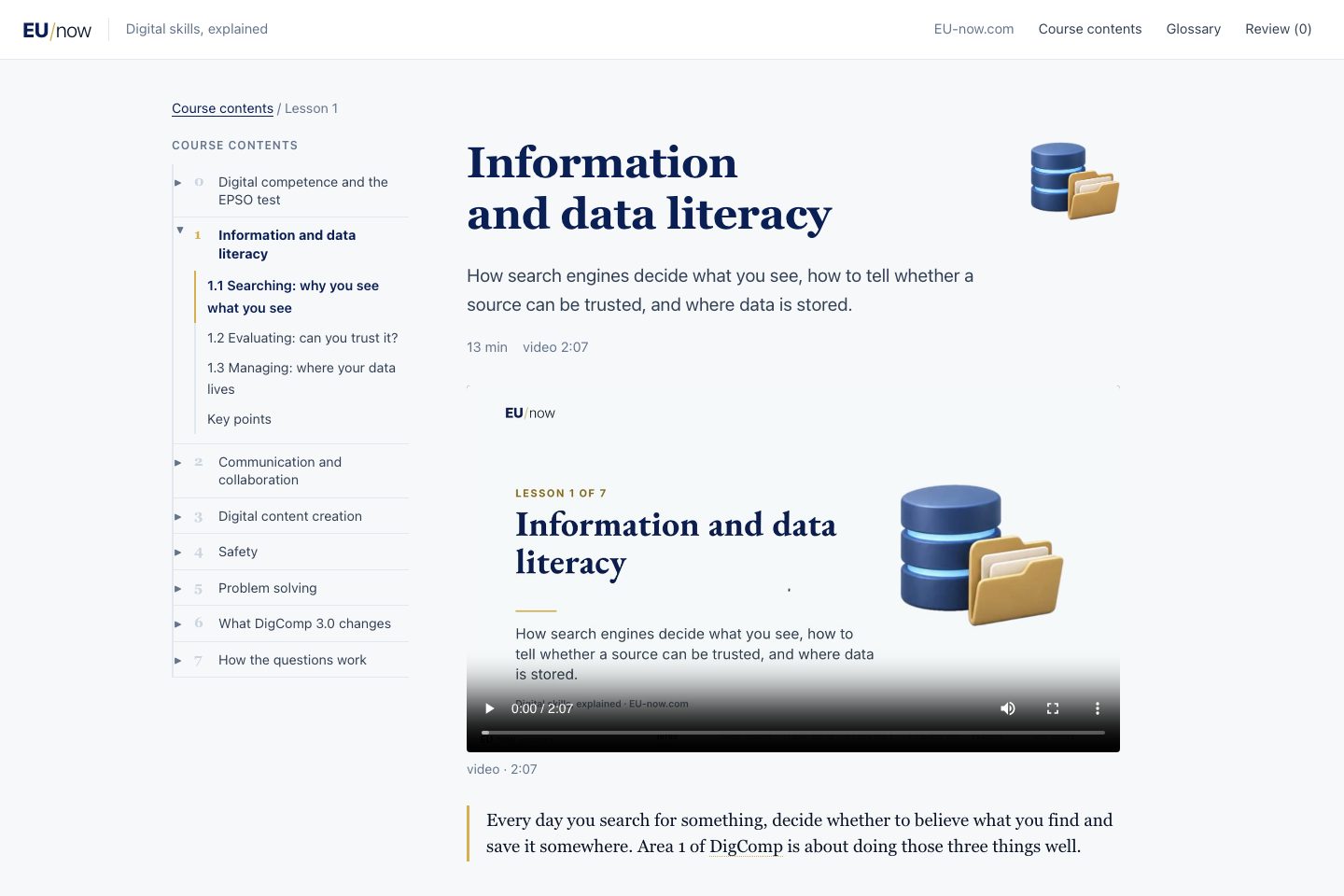 Ogni lezione comincia con un breve video
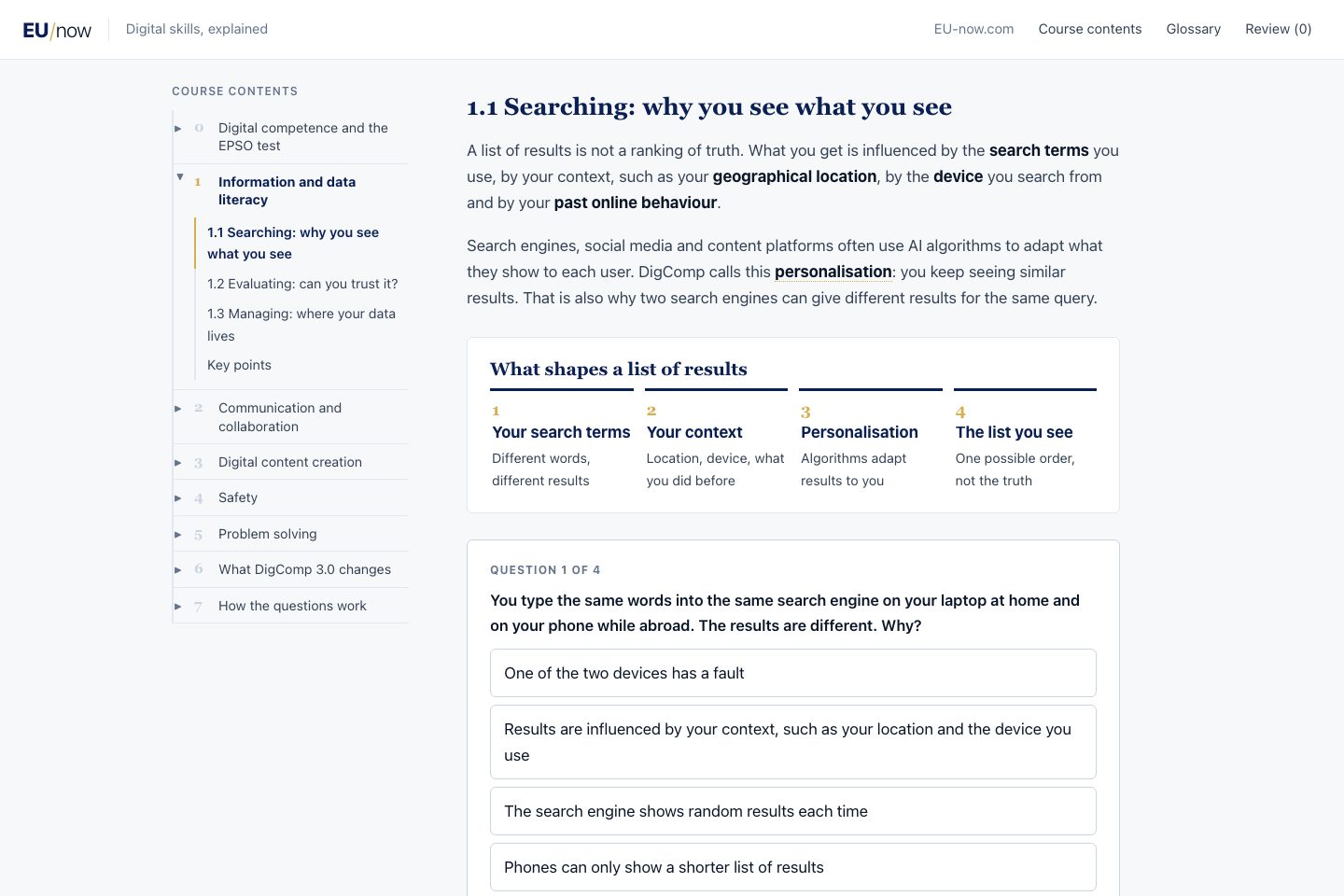 Poi la lezione, per i pezzi della sua area
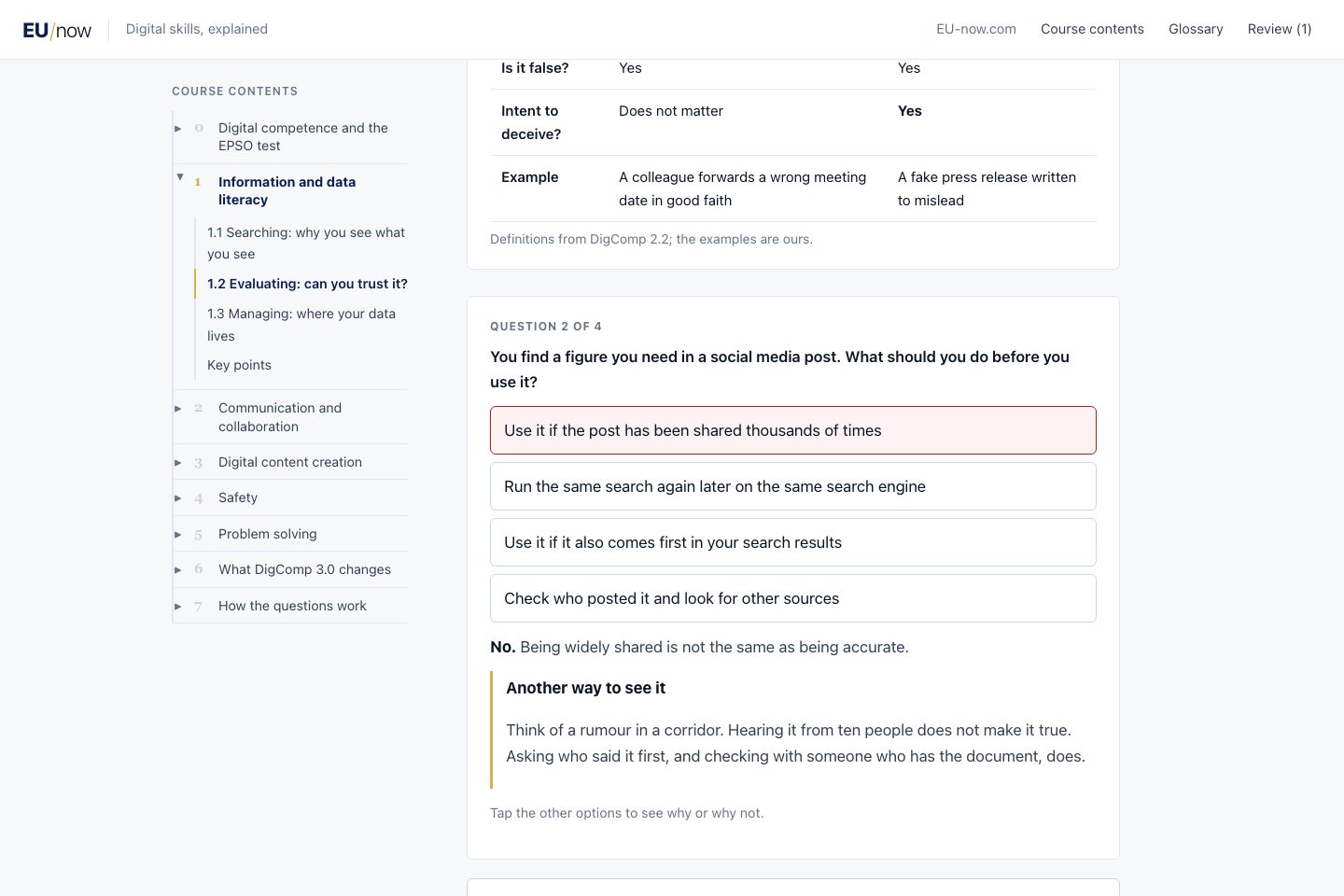 Una domanda dopo ogni pezzo, con il perché di ogni opzione
Per chi
Per chi prepara un concorso EPSO con una prova di competenze digitali, come EPSO/AD/427/26 – Amministratori (AD 5). Usi il computer ogni giorno, ma non hai mai studiato i concetti e il vocabolario su cui si basa la prova.
Come è stato fatto
Solo dai testi ufficiali: il quadro europeo delle competenze digitali DigComp 2.2 e 3.0 (Commissione europea, Centro comune di ricerca) e il bando di concorso. Un revisore indipendente ha verificato ogni dato su quei testi. Le foto sono reali e accreditate.
Domande
Come entro dopo aver pagato?
Accedi a eu-now.com con la stessa e-mail con cui hai pagato: ti mandiamo un link, senza password. Il corso compare subito. Ti arriva anche un’e-mail con il link.
Ho pagato con un’e-mail diversa da quella del mio account EU-now.
Accedi con l’e-mail con cui hai pagato, oppure scrivi a support@eu-now.com e spostiamo l’accesso sul tuo account.
In che lingua è?
In inglese: le lezioni, i video (sottotitolati) e la guida di ripasso.
Sostituisce la lettura del mio bando?
No. Il bando è l’unico testo vincolante: il corso spiega il quadro a cui rinvia e come è costruita la prova.
Posso provarlo prima?
Sì. Le lezioni 0 e 1 sono gratis, con i loro video, e si aprono senza account.
Digital skills, explained
8 lezioni · 15 min di video · Corso in inglese